
Avatar and Language
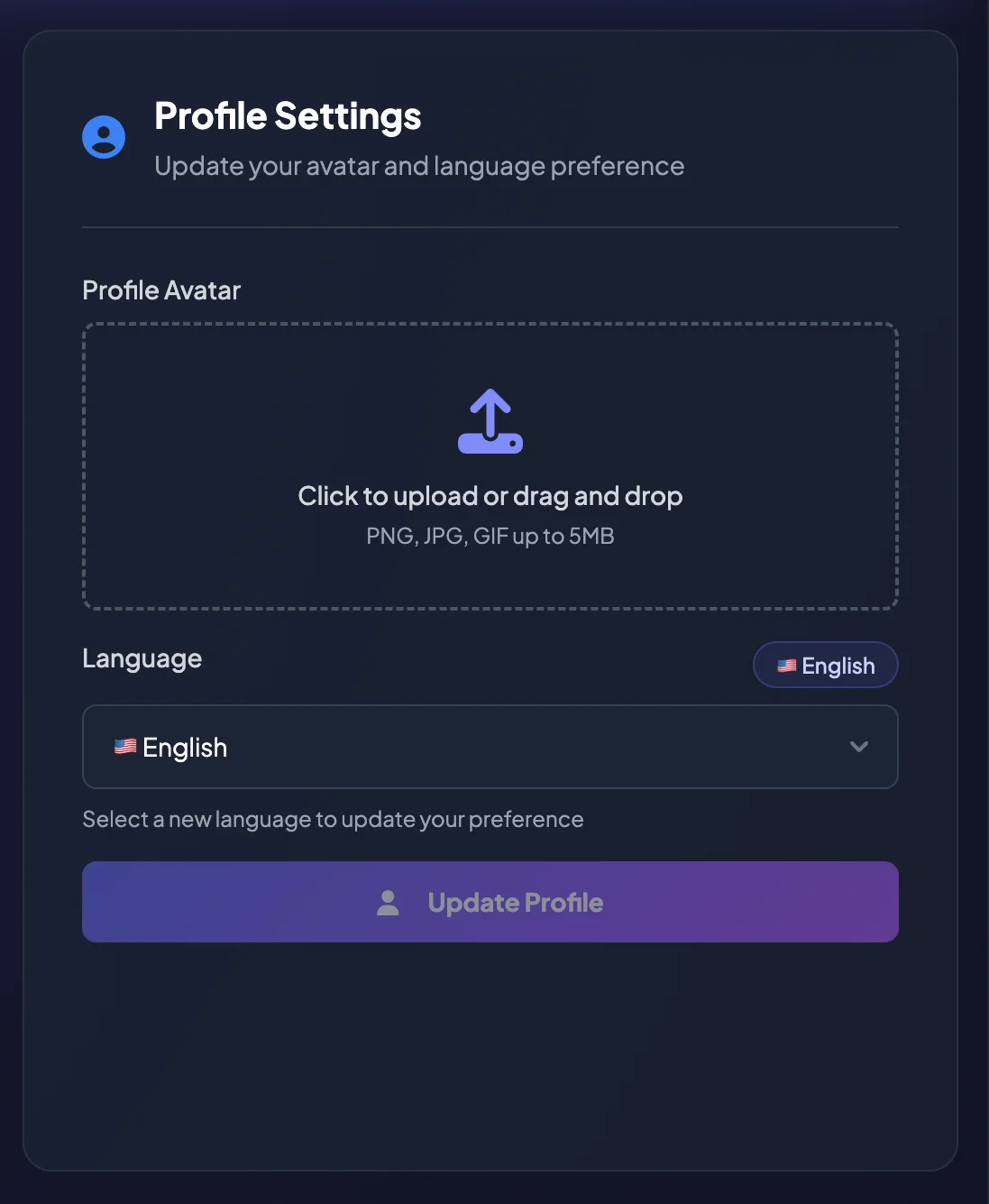
On the Profile page, you can update your Profile Avatar and select the language used throughout your account.
A recognizable avatar can make the account easier to identify. The selected language controls interface labels, buttons, system messages, and supported notifications.
Change your Profile Avatar
Section titled “Change your Profile Avatar”- Open Settings.
- Select Profile.
- Find Profile Avatar.
- Select Change avatar, or drag and drop an image into the upload area.
- Choose an image from your device.
- Review and crop the preview if the editor appears.
- Select Apply and upload or Update Profile, depending on the screen shown.
BrokerIG currently supports common image formats such as PNG, JPG, and GIF, with a maximum file size of 5 MB.
Remove your Profile Avatar
Section titled “Remove your Profile Avatar”To return to the default avatar:
- Open Profile.
- Find Profile Avatar.
- Select Remove Avatar.
- Confirm the action if prompted.
Choose an appropriate avatar
Section titled “Choose an appropriate avatar”Use an image that:
- Is clear and easy for you to recognize.
- Does not contain sensitive information.
- Is not an identity document.
- Does not include wallet QR codes, wallet addresses, or account information.
- Complies with platform policies.
Change the display language
Section titled “Change the display language”- Open Settings.
- Select Profile.
- Find Language.
- Select the preferred language.
- Select Update Profile.
- Reload the page if the interface does not update immediately.
The available language list may change according to BrokerIG configuration.
What changes after you select another language?
Section titled “What changes after you select another language?”The following content may be updated:
- Sidebar menus.
- Feature names.
- Button labels.
- System messages.
- Portal help text.
- Some email or Telegram notifications when localized content is supported.
If some content still appears in the previous language, reload the page or sign out and sign in again.
- Changing the language does not change your currency, assets, or transaction data.
- Changing the avatar does not affect account security.
- Do not use an avatar containing sensitive personal information.
- If an image cannot be uploaded, check its format, size, and your network connection.