
Demo Mode and Real Mode
The Invest page has two operating modes: Demo mode and Real mode. They look similar, but they have completely different financial consequences.
Demo mode
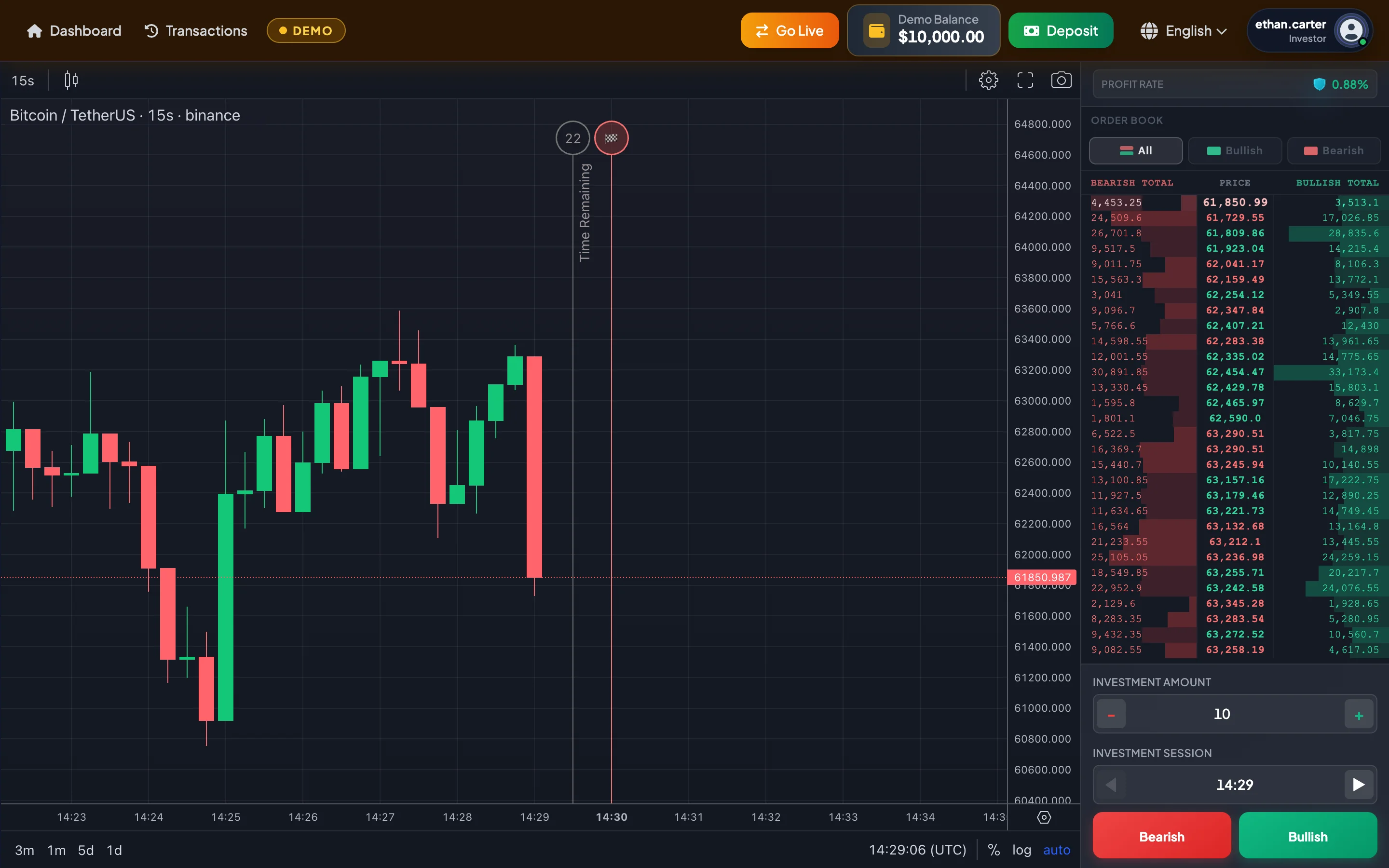
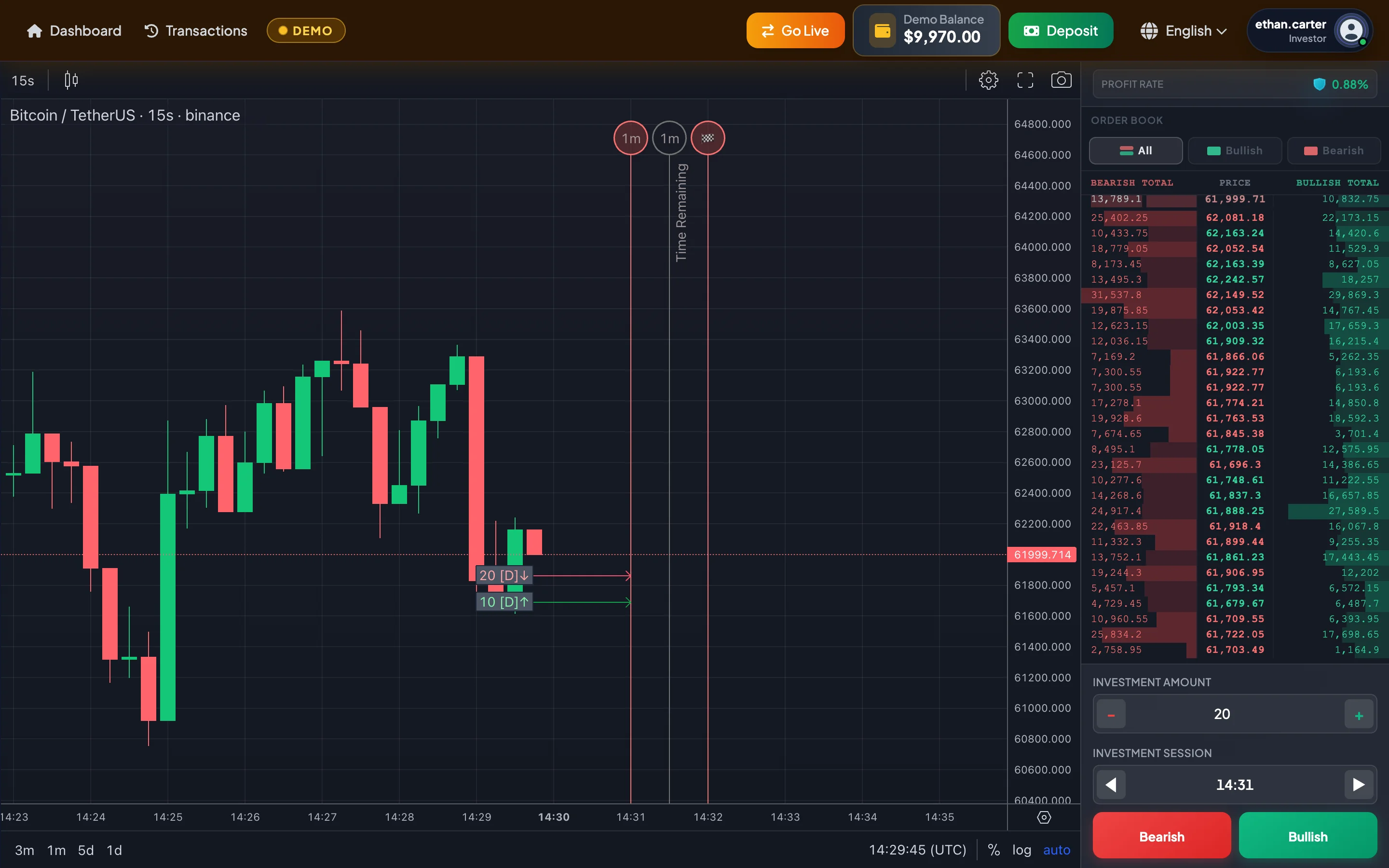
Section titled “Demo mode”Demo mode is the practice environment. When you select Go Demo, the system switches to Demo mode and provides a practice balance, such as 10,000 USDT, so that you can learn the workflow without using real funds.
Use Demo mode to:
- Learn how one-minute sessions work.
- Practice selecting the Current Session and future sessions.
- Practice entering an Investment Amount.
- Practice selecting Bullish or Bearish.
- Review order tags after placement.
- View the result popup after a session closes.
- Practice reading the price chart and Order Book.
- Test a strategy without affecting the real Account Balance.
The Demo Balance cannot be withdrawn, does not count toward the account level, and does not create real profit.
Real mode
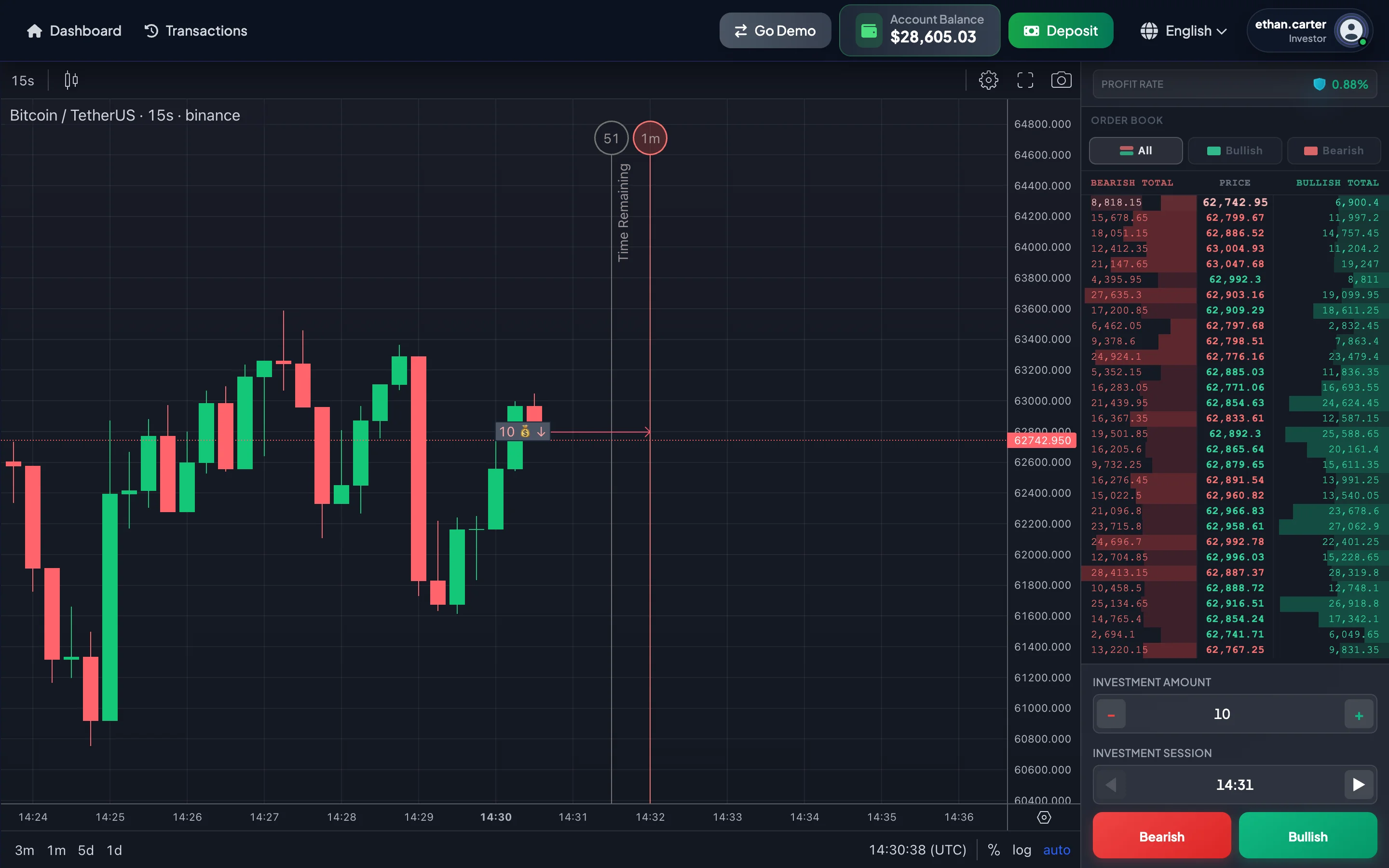
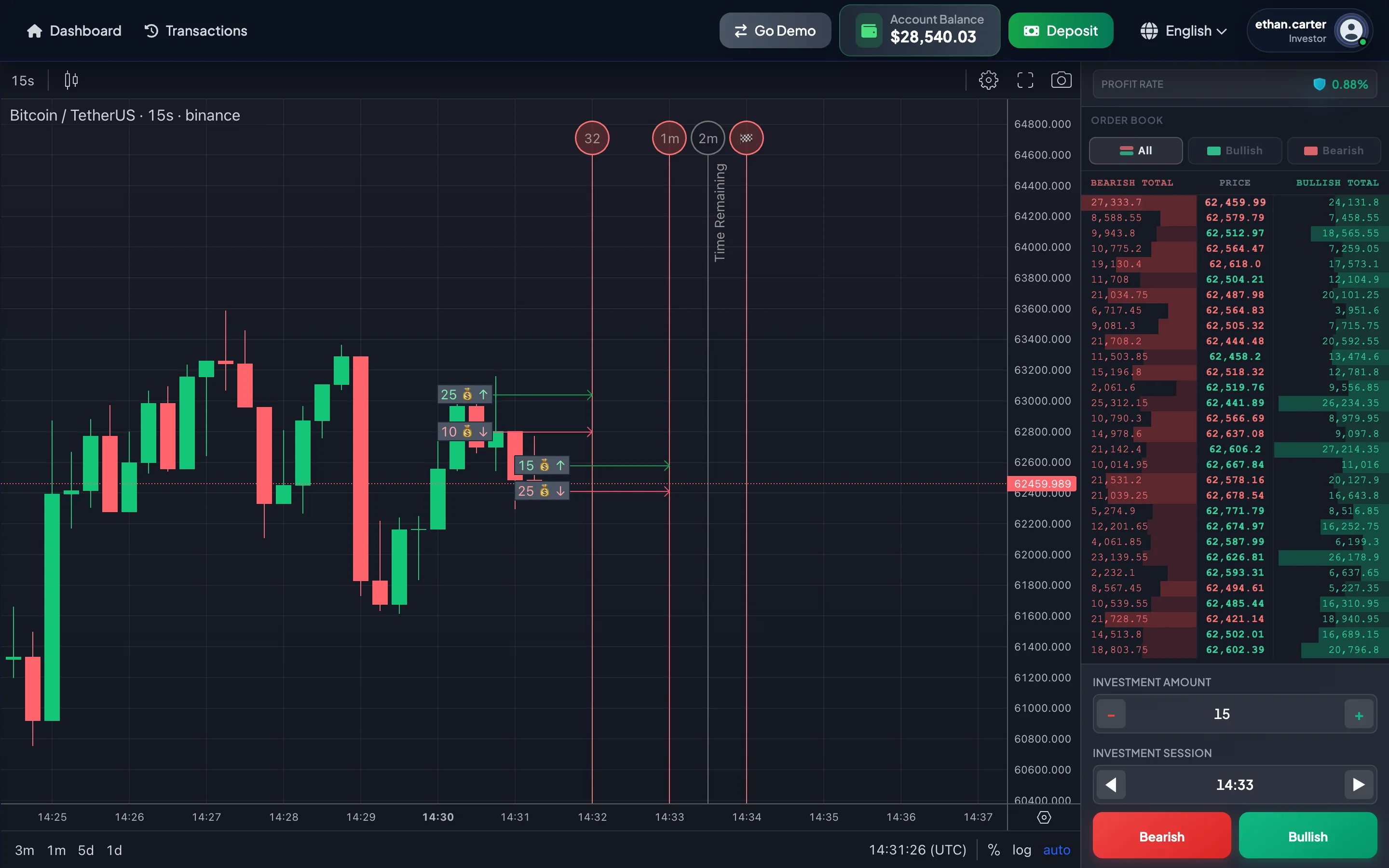
Section titled “Real mode”Real mode uses the real Account Balance. When you select Go Live, the system switches to Real mode. Investments placed in Real mode may decrease, increase, or otherwise change the real balance according to the session result and processing rules.
Use Real mode only after you understand:
- How long a session lasts.
- When an investment can still be placed.
- When the result is settled.
- How to select a session.
- How to check Trade History.
- How to reconcile the Account Balance after the result appears.
Demo mode vs. Real mode
Section titled “Demo mode vs. Real mode”| Criterion | Demo mode | Real mode |
|---|---|---|
| Balance | Practice balance, such as 10,000 USDT | Real Account Balance |
| Withdrawal | Not available | Available when requirements are met |
| Risk to real funds | No | Yes |
| History | Used for practice and review | Records real investments |
| Recommended for new users | Yes, use it first | Use only after understanding the full flow |
| Effect on account level | None | May affect the level if the real balance changes |
How to switch modes safely
Section titled “How to switch modes safely”- Check the navbar.
- Identify the currently active mode.
- Select Go Demo when practicing.
- Select Go Live when you intentionally want to use real funds.
- Confirm that the displayed balance changed to the correct balance type.
- Place an investment only after confirming the mode.
Do not select Bullish or Bearish immediately after switching modes without reviewing the Investment Amount and Investment Session again.
Common mistakes
Section titled “Common mistakes”| Mistake | How to avoid it |
|---|---|
| Assuming Demo mode is active when Real mode is active | Always confirm the navbar before placement. |
| Winning often in Demo mode and immediately using a large amount in Real mode | Start Real mode with a very small Investment Amount. |
| Forgetting that Demo Balance cannot be withdrawn | Use Demo mode only for practice. |
| Using Real mode before understanding session timing | Read the one-minute session guide first. |
Recommendation for new users
Section titled “Recommendation for new users”Before moving to Real mode, practice:
- At least 20–30 sessions to understand timing.
- Both Bullish and Bearish directions.
- The Current Session and future sessions.
- Opening Trade History after each investment.
- Reading the result popup.
- Recording the reason for each investment and its result.
When moving to Real mode, use an Investment Amount that is much smaller than the real Account Balance.